

Regions
AI platforms tailor answers to where the question comes from. A buyer in Germany and a buyer in the US can get different brands, sources and even languages for the same question. A region in Echod is a country; Echod collects answers as a user in that country would see them. Manage regions in Project Settings > Regions:- Add Region: search for a country and add it.
- Toggle: turn a region off to stop crawling it without removing it.
- Remove: delete the region from the project. Topics are no longer tracked there.
AI platforms
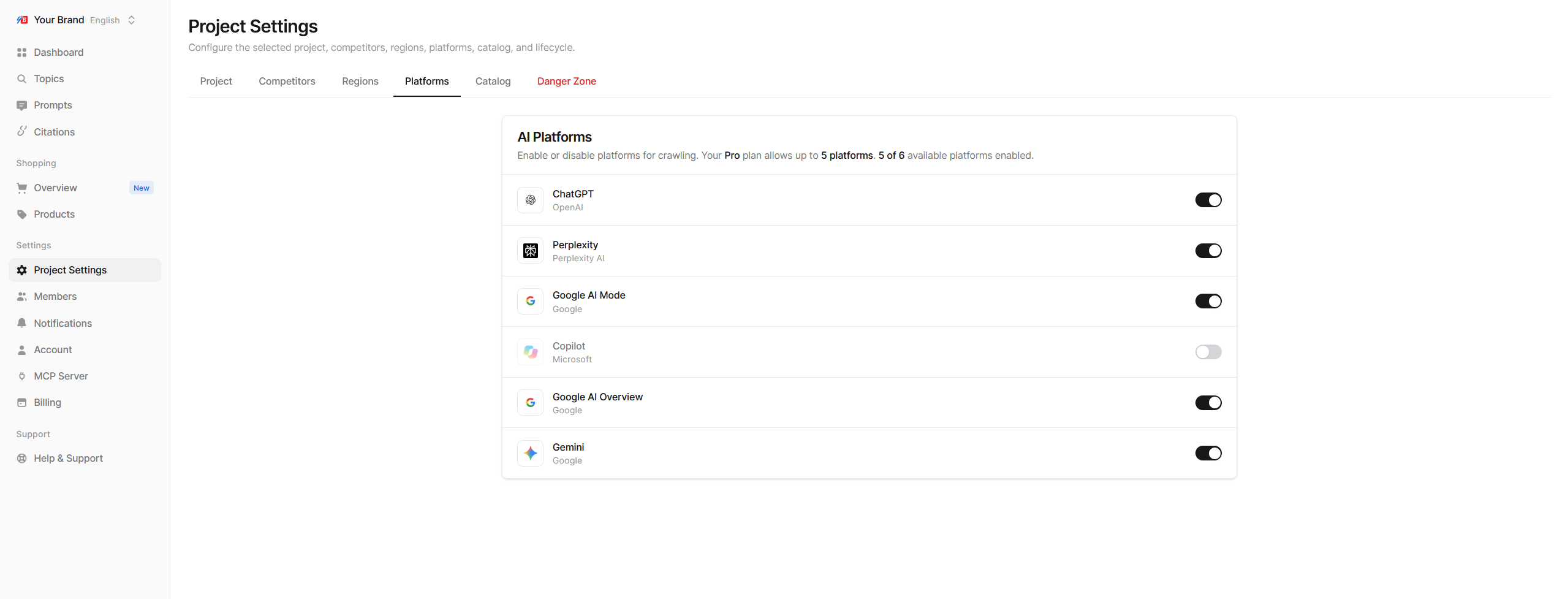
Echod can track six AI platforms:
Manage them in Project Settings > Platforms by switching each one on or off. The tab shows how many your plan allows and how many are enabled.
Plan limits
If more regions or platforms are enabled than your plan covers, for example after a downgrade, the extra ones show a Not crawled badge and are skipped until you upgrade or turn others off. See Plan limits and coverage.
Choosing what to enable
- Keep comparisons fair. Turning platforms on and off changes the mix behind your overall numbers. When you change platforms, compare results per platform for a while instead of the combined total.
- Use the Platform filter. Every report can be narrowed to a single AI platform and region. See Filters and periods.